I have one server that wont activate and gives the message on the screen.
This is an onpremise one with heavy security and internet traffic rules so my guess is that the activation server is getting blocked.
Is there a manual way of activating this server
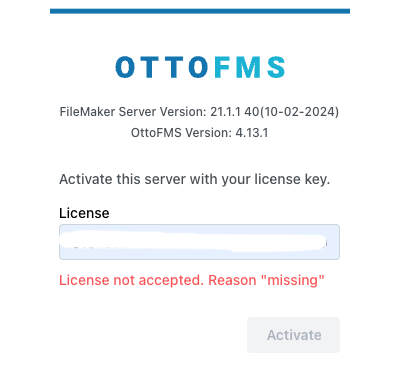
You can either whitelist the license server (which is at https://edd-sl-proxy.geistgate.com/), or you can send an email to support@proofgeist.com with your filemaker server id to have us generate an offline activation key for you.
-Kyle
Thanks, Ive sent you an email to support@
I have no access to make changes on the server and the I.T Department won’t authorise anything so the offline method is my only option.