I can’t seem to find a way to set it up to receive then process Webhooks. If anyone has done that could you please provide a step-by-step guide?
Thanks
Very best
John
You need an API key which you select the file and give it the user and password.
If those are both good then you have a key that looks something like dk_SC*****htzRf
Then you go to the actual webhooks panel
Select Register, and choose the file from the dropdown
It will populate the API key that is linked to it.
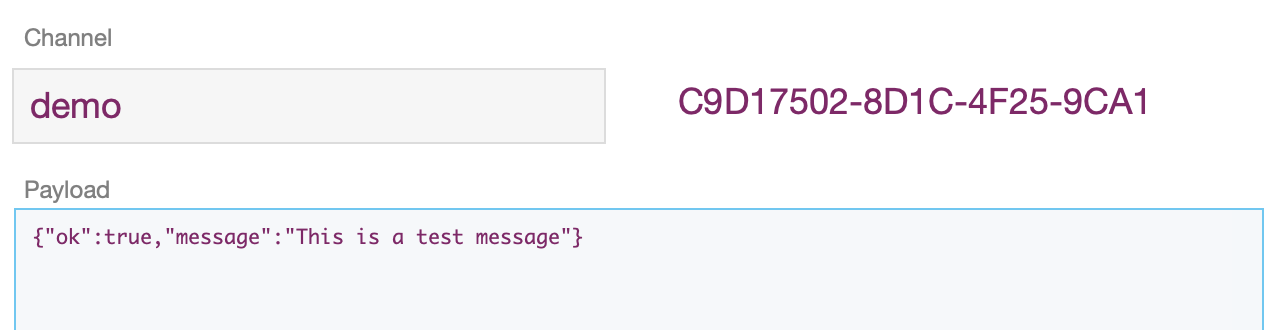
The SimpleQ file (and any others that are enabled) have an OttoReceiver table and an OttoReceiver script - although in SimpleQ the table is called MESSAGES. Give it some unique thing for the channel (and be text or a number, and then the whole webhook URL is available for copying. Give that to the service you want to send the webhook
If you all was successful then you can test the webhook and you should get a response, and if you go into SimpleQ there should be a record in the Messages table with the json payload of Test. The Channel field will have the part you added in the steps above.
Or follow the documents at Webhooks | OttoFMS
2 Likes
Hi John
Thanks very much for your prompt and clear instructions.
I have got everything working now.
Very best
John