The test is hitting the OData proxy url directly. You can check it in the network tab in your browser. I’ll add it to the UI in our next version. Get there by right clicking > Inspect > Network.
You’re probably getting an error on the Data API call to list the scripts, that will also appear in the network tab. I’ll get that error displayed in the UI as well.
Just did some testing on this and I was able to get the same error if I have a period in my script name. Does your script name have a period in it? OData has periods as part of its spec and having one will cause problems. I’ll see if there is a way we can escape those, but in the meantime you will want to remove that period to fix the issue.
This issue has been resolved. The underlying problem is that our internal network rules blocked some headers being sent by the OttoFMS MCP tool wizard. We have made exceptions for this use case, and the tool definitions are working as designed.
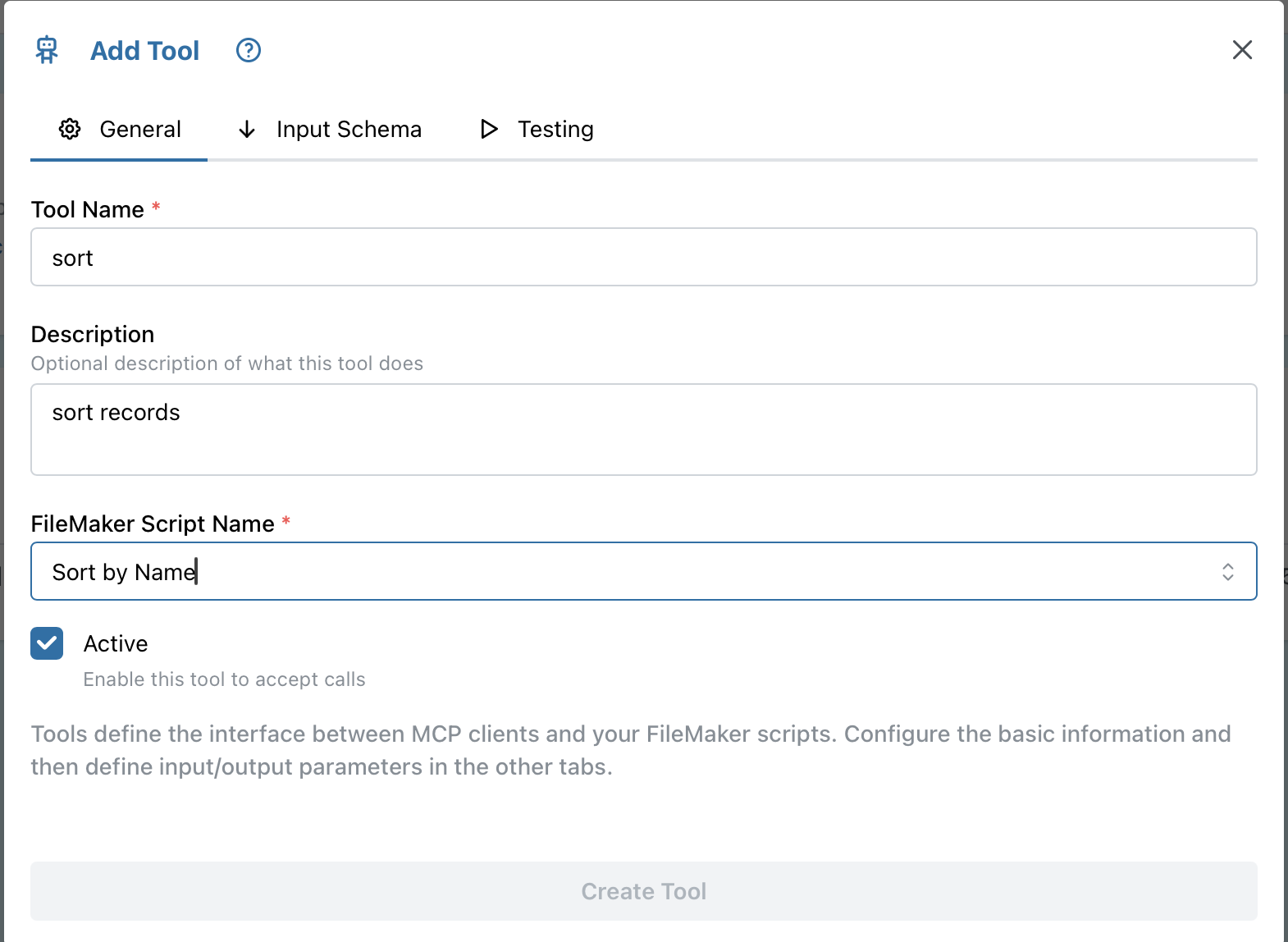
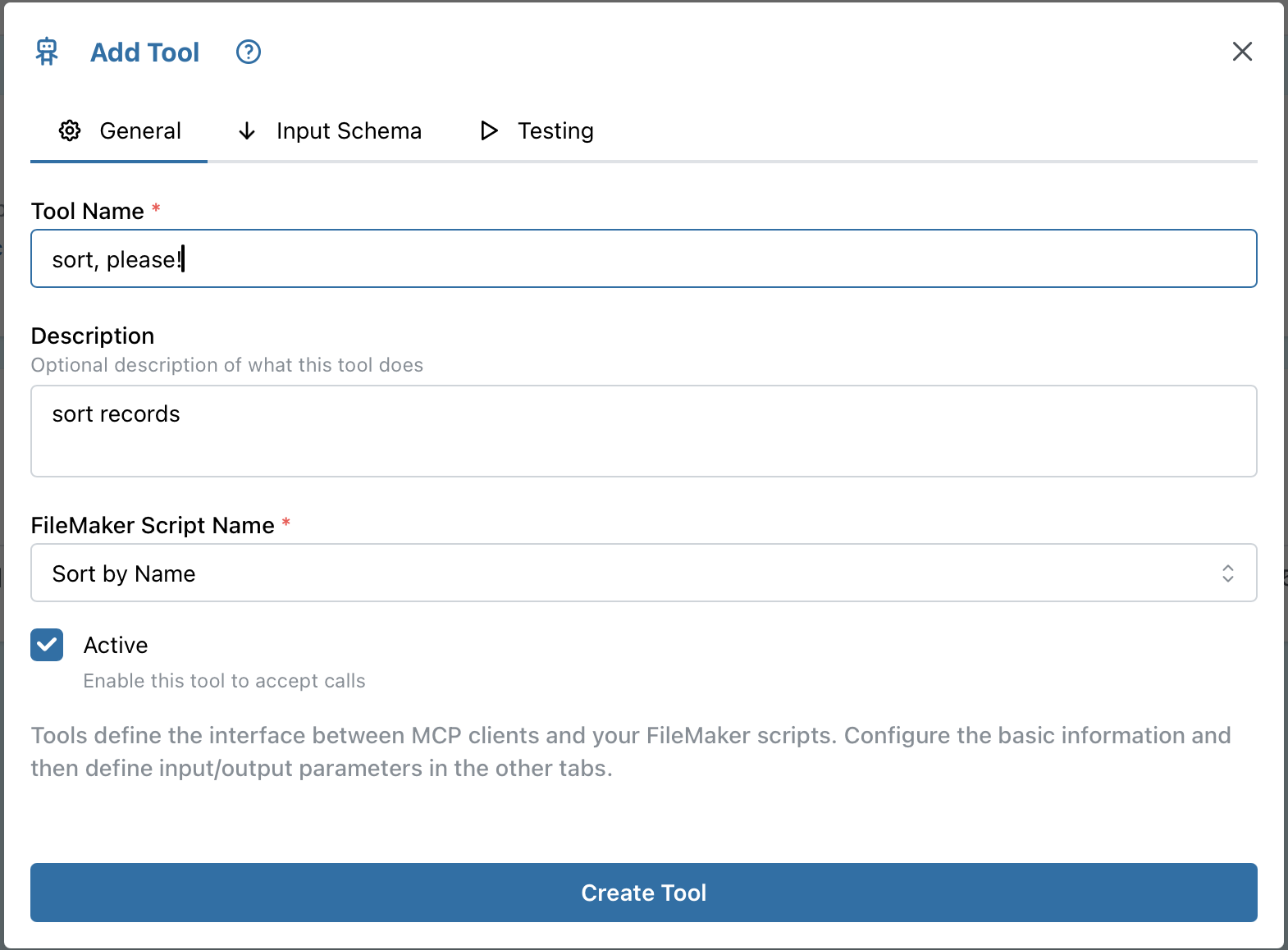
One weird glitch though? When working top to bottom in the Add Tool wizard, If I enter a Tool Name, Description, and select a script from the pull down, the “Create Tool” is still grayed out. If I edit either of the two text boxes, it is then enabled.