It’s been a while since I’ve dealt with a Windows server. But we needed to upgrade a very delicate and large secured document server from ye ol’ FMS18 to 22(2025). So a new server was created, a copy of the data drive was attached and It works just fine. Yay.
Unfortunately, upon installing Otto, I’m getting errors Starting with “Problem running post-install step. Installation may not complete Correctly…”
Then I check the running services (based on a comment I read here) and lo and behold, the OttoFMS service was “Paused.” But It would not resume. I get the message “Windows could not resume the OttoFMS service on the Local Computer. This service did not return an error…”
This is a fresh install, so maybe there is some conflict. Also this machine does not yet have its final FQDN attached to it, but I would still think that I could get it installed.
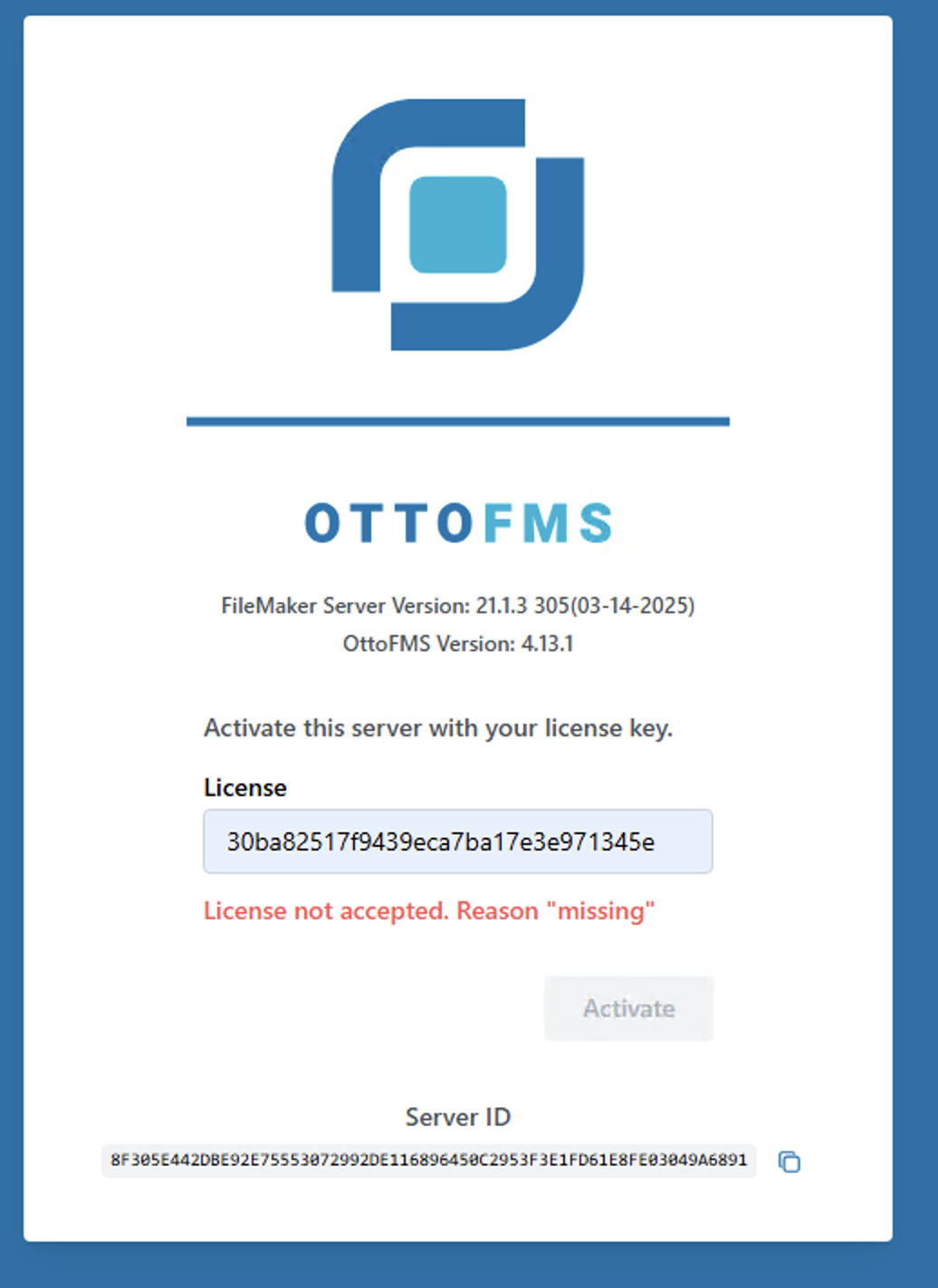
Of course this is a machine that is in a protected network so once I get to the log in page for Otto, I’ll need to request a license key for it.
I’ve just confirmed there is an issue with 4.13.0 and new installs not working. Installing 4.12.0 and upgrading to 4.13.0 should work. I’ll have 4.13.1 released today or tomorrow that fixes the issue.
If you go to the service management screen on the windows server does OttoFMS appear in the list? At which point in the install process does it fail? Did you try installing with the Powershell command as administrator and it still failed? What is the exact text of the error message?
I haven’t tried installing via power shells, just right clicked and “Run as administrator” I got the error on installing and then got another one when trying to manually start.
The ECONNRESET and ENOTFOUND errors are network/DNS errors that mean something is up with your network connection to edd-sl-proxy.geistgate.com. If you’re seeing those I would not expect you to be able to ping the proxy, but is sounds like you can?
Strange, seems like it should be working. I would recommend you stop by office hours for us to take a look with you so we can do some realtime troubleshooting.