Recently upgraded FMS to 22.0.4. In the process, I didn’t pull over the old OttoFMS folder. This was intentional, so not a big deal.
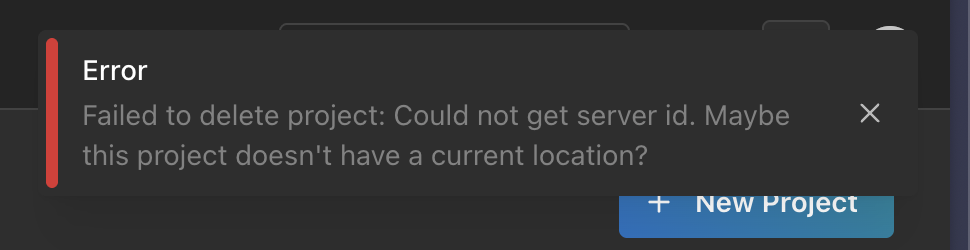
What I noticed today, is the few test projects I was testing the Projects features with, are still listed. However, I can’t do anything with them, included delete them from the Projects list. Here is the error when go to settings to delete the project.
Did you delete the server that the project was on from the cloud console? That’s probably what’s happening there. I’ll see about making that a bit better. We have been thinking about ways to essentially push the project information off of the server (to s3 or otherwise) that would allow you to transfer it between servers more easily.
I’ll see what I can do in the UI to make that easier to work with if the server has been removed, do you want to DM me your project info and I can remove it for you?
So, I didn’t delete it from the console no. However, at one point, for a reason I don’t remember, I did have to reconnect the server. I’ll DM you the info.